
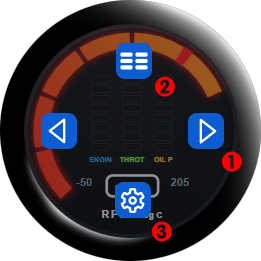
Navigation menu buttons: Tap the first screen that appears and the navigation buttons will appear. Tap the arrows (1) to navigate forward or backward to the next gauge page. Tap the button for keypad to switch to the virtual keypad (2). Tap the gear icon to view settings (3).
Cancel navigation buttons: the navigation buttons will clear after a few seconds. Tap anywhere away from the buttons (like the middle of the screen) to clear the navigation buttons sooner.
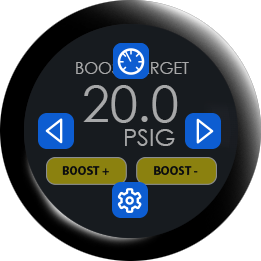
Keypad page: when switching to the keypad page you can open the navigation buttons by tapping the top or bottom of the keypad page. You can return to the gauge pages by tapping the gauge icon at the top. Tapping in the center cancels the navigation buttons.